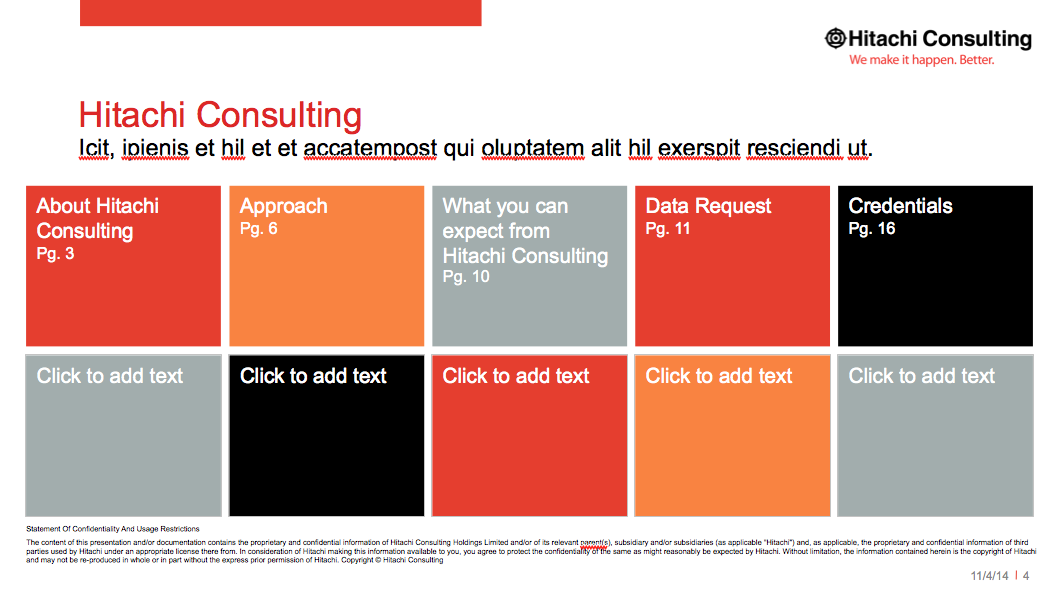
TOC Slide Option 2

A Table of Contents slide for your presentation. This slide has text boxes made out of colored shapes.

Using TOC Slide Option 2

  1. Keep the red title line text to 1 line.
  2. Keep the black sub-title lines text to 1 line.
  3. The red title line text is size 24.
  4. The black sub-title line text is size 16.
  5. The text is size 14 followed by a soft return. (shift + return)
  6. The "Pg. x" text is size 11.
  7. TIP - Edit these numbers manually after you've finished your presentation!
  8. TIP - Since there's two different text sizes used in each box - it's easiest to change the text and numbers by using this technique:
    • Click at the end of the line of text you want to edit
    • Then type your new text.
    • Finally, arrow back and delete the original text leaving the new text you just typed in place.
  9. Do not edit or remove the disclaimer text at the bottom.