Template Images

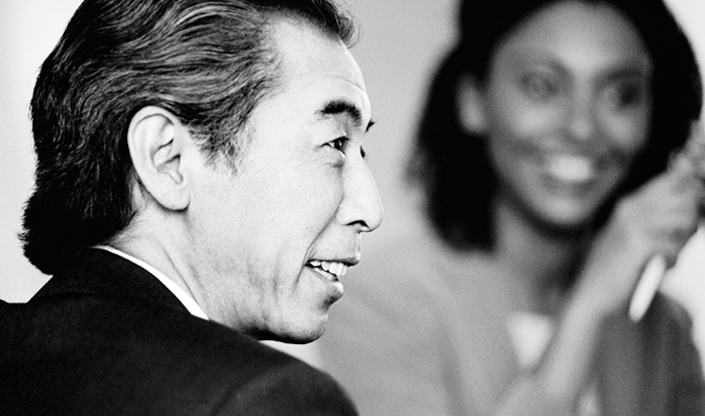
Access all of the images in the template PowerPoint file, and use these as your basis to create new images that are the correct size for your slide layout.

Your Template's Slide Images


Cover Slide Option 1

  • (no images are customizable on this slide)

TOC Slide Option 1

  • (there are no customizable images on this slide)

TOC Slide Option 2

  • (there are no customizable images on this slide)

TOC Slide Option 3

  • (there are no customizable images on this slide)

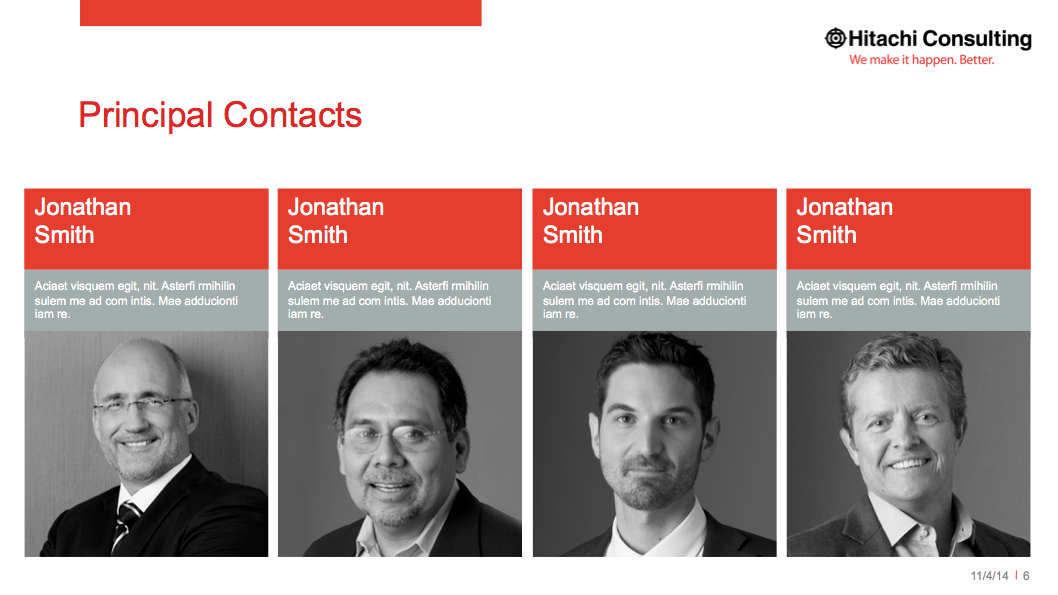
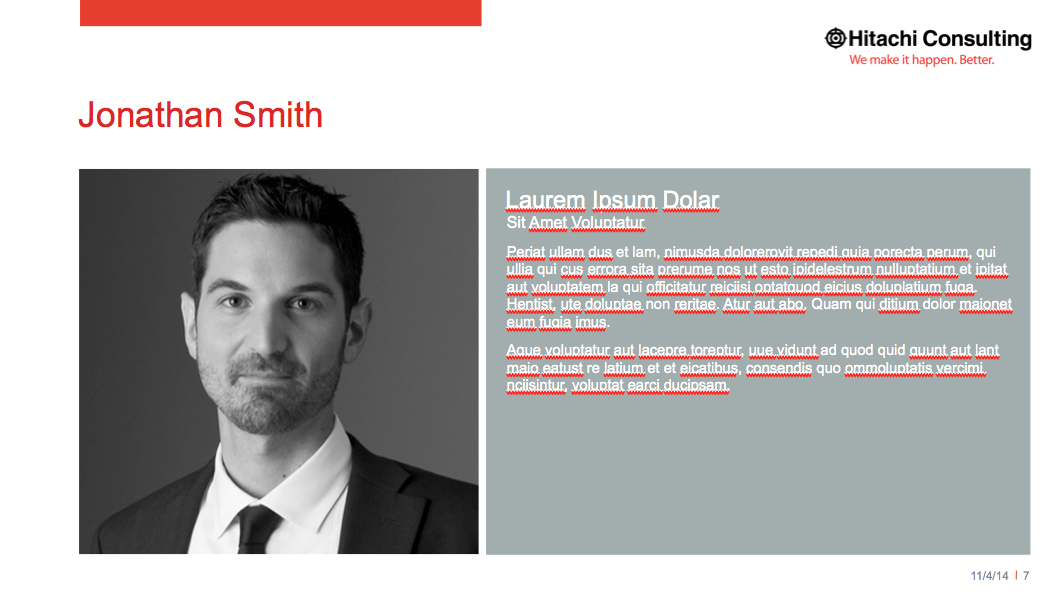
Bio Page Slide Option 2

Featured Text Slide Option 1

  • (there are no customizable images on this slide)

Featured Text Slide Option 2

  • (there are no customizable images on this slide)

Featured Text Slide Option 3

  • (there are no customizable images on this slide)

Text 2 Slide Column

  • (there are no customizable images on this slide)

Text 3 Slide Column

  • (there are no customizable images on this slide)

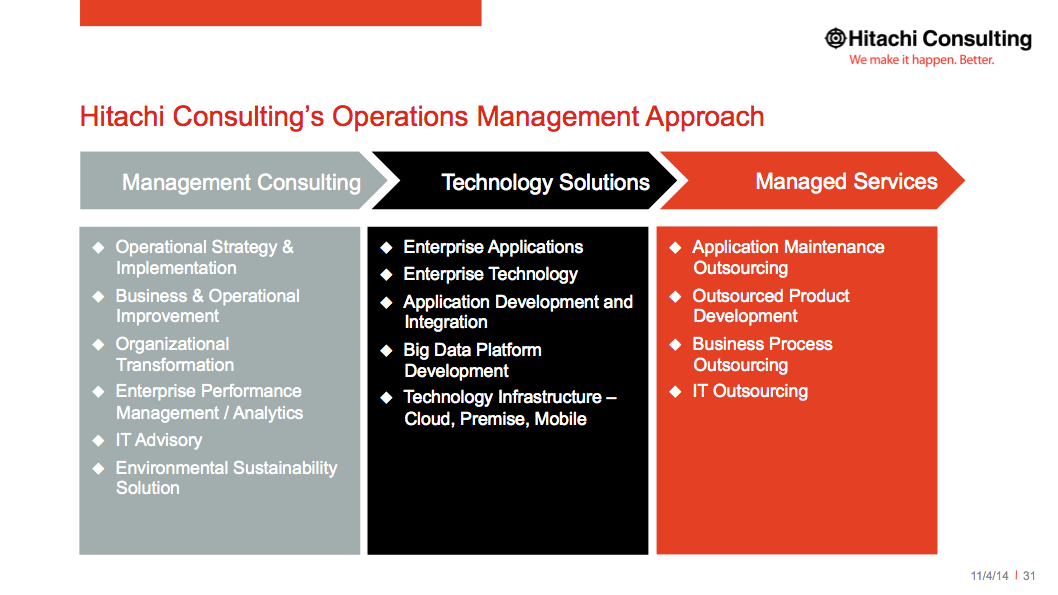
Text 4 Slide Column

  • (there are no customizable images on this slide)

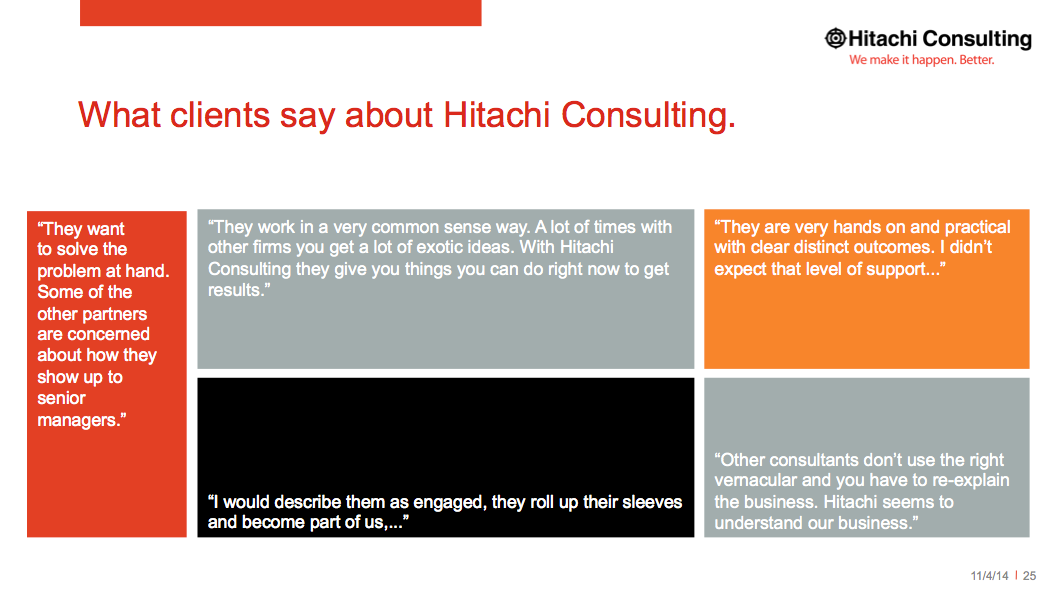
Client Quotes Slide

  • (there are no customizable images on this slide)

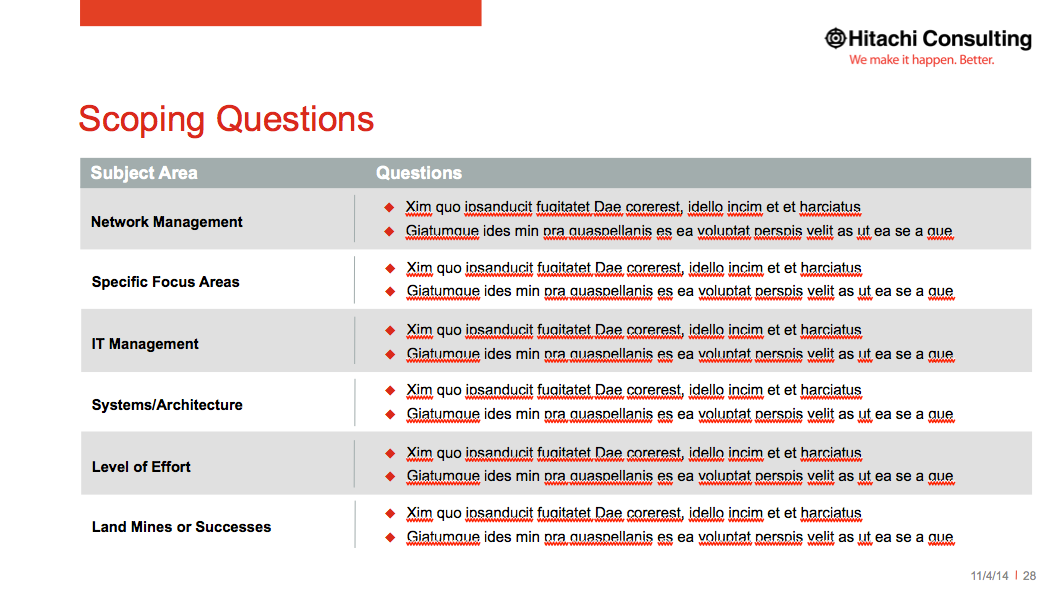
Table Slide

  • (there are no customizable images on this slide)

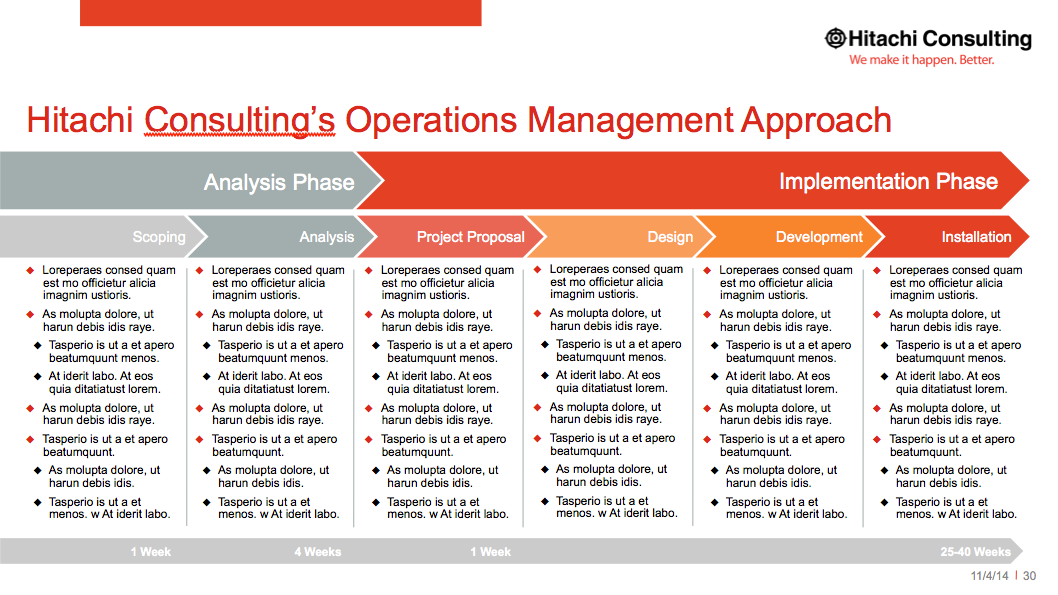
Process Slide Option 2

  • (there are no customizable images on this slide)

Process Slide Option 3

  • (there are no customizable images on this slide)

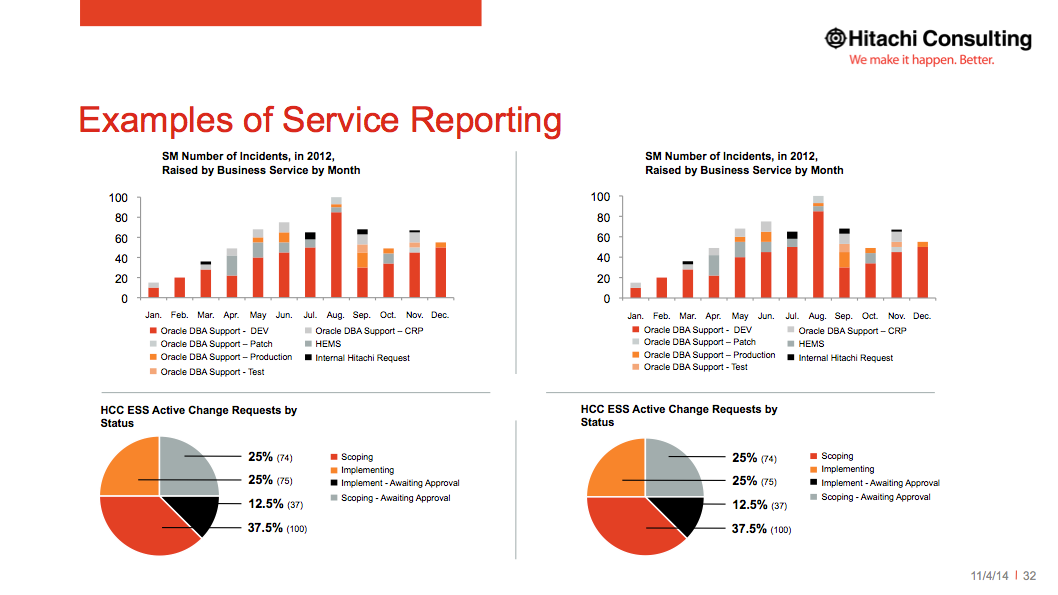
Graphs Slide Option 1

  • (there are no customizable images on this slide)

Graphs Slide Option 2

  • (there are no customizable images on this slide)

Smart Art Slide Option 1

  • (there are no customizable images on this slide)

Timeline Slide

  • (there are no customizable images on this slide)

Icons & Charts Slide

  • (there are no customizable images on this slide)